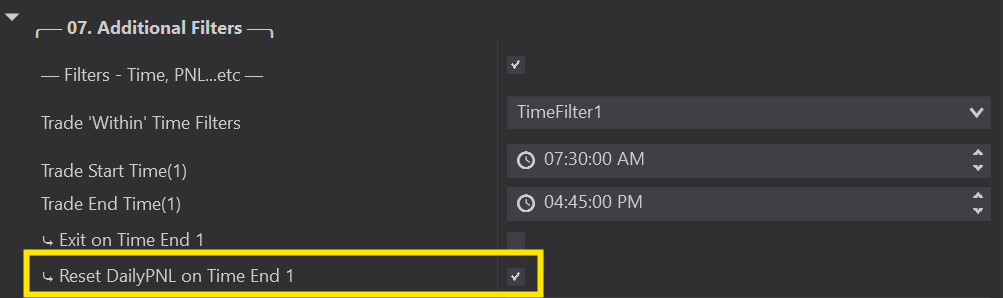
Trade ‘Within’ Time Filters
Trade Within Time Filters
Specify exactly when the Predator is allowed to take Auto Entries.
Trade 'Within' Time Filters let you specify exactly which times the Predator takes trades. Note: time filters work ONLY with your 02B Auto Entries — they do not apply to manual trading.
Select from no time filters - up to 4 'within' filters. Each has a start and end time, and all must be within a 24-hour period. You can also add/adjust them from the Predator's side panel in real time without disabling the strategy.
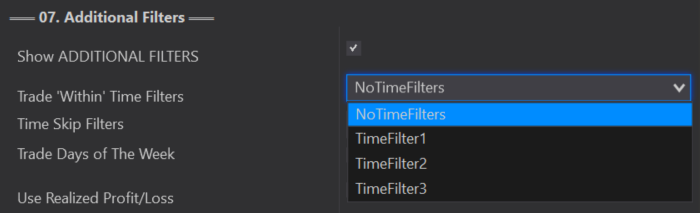
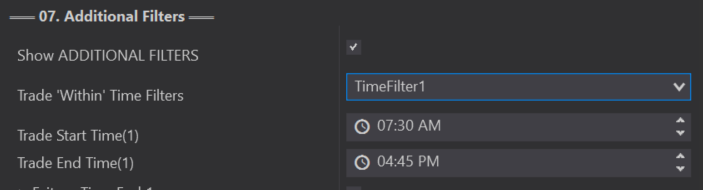
To trade overnight (across midnight), set your lowest time as TimeFilter 1 and your highest as your last filter — one starting at 12:00am and your last ending at 11:59pm. Example: TimeFilter 1 = 12:00am–3:00am, TimeFilter 2 = 9:30am–2:00pm, TimeFilter 3 = 8:00pm–11:59pm (continuing the next day at 12:00am).
Setting limits outside a single 24-hour period causes problems.
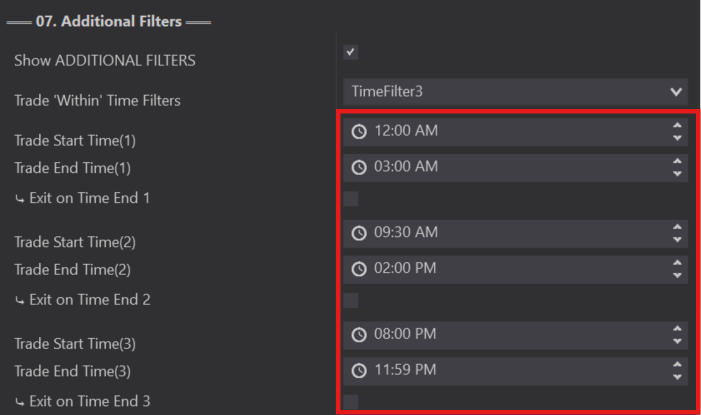
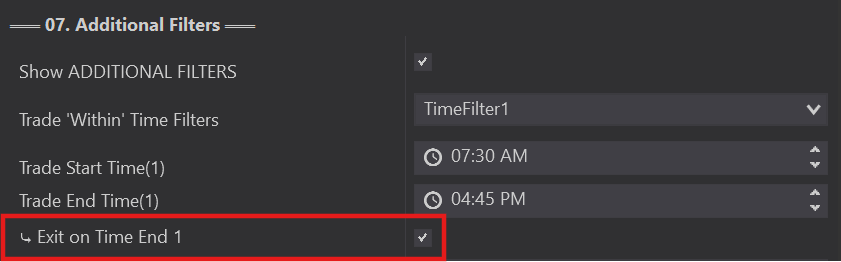
Within each 'within' filter you can choose Exit On Time End — any open trades are automatically exited at your trade end time. Left unchecked, trades remain active after your time end.
Do NOT mix with NinjaTraders own native Exit on Session end or a Prop firms Auto Exit at the end of th day. This could cause multiple orders being set at the same time and end up with an overfill condition.

When selected, resets your Daily PNL at your trade end time and starts fresh when your start time begins.
When unselected, Daily PNL only resets at the start of a new day. Each of your 3 'within' filters can use this, and it's available from the side panel too.