Time Filter Calculate
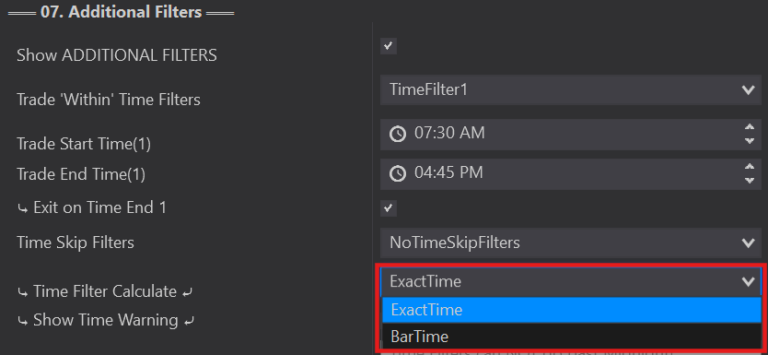
Time Filter Calculate lets you choose the time visibility best suited to your strategy. Original versions used 'BarTime' (the time stored within the bar). On charts like NinZaRenko this isn't noticeable (bars update per tick), but on time-based charts the bars only show the bar's closing time.
Uses the time stored within the bar. Example: the playback clock is just past 6:00am and your Time Start isn't until 6:30am, but the current forming bar closes at 6:30am — that's the time 'BarTime' uses, so your time becomes valid and can start taking trades before your actual clock time.
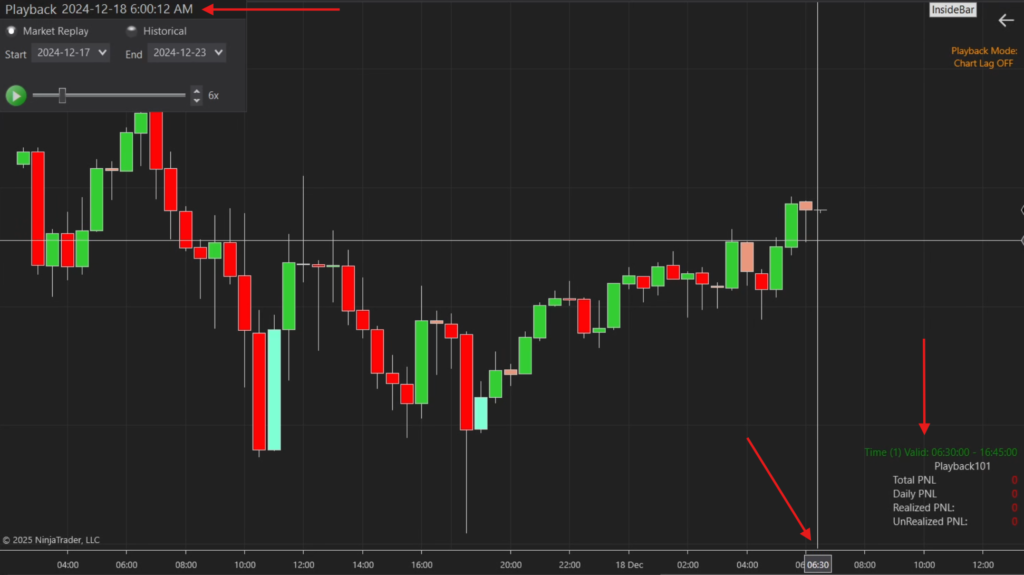
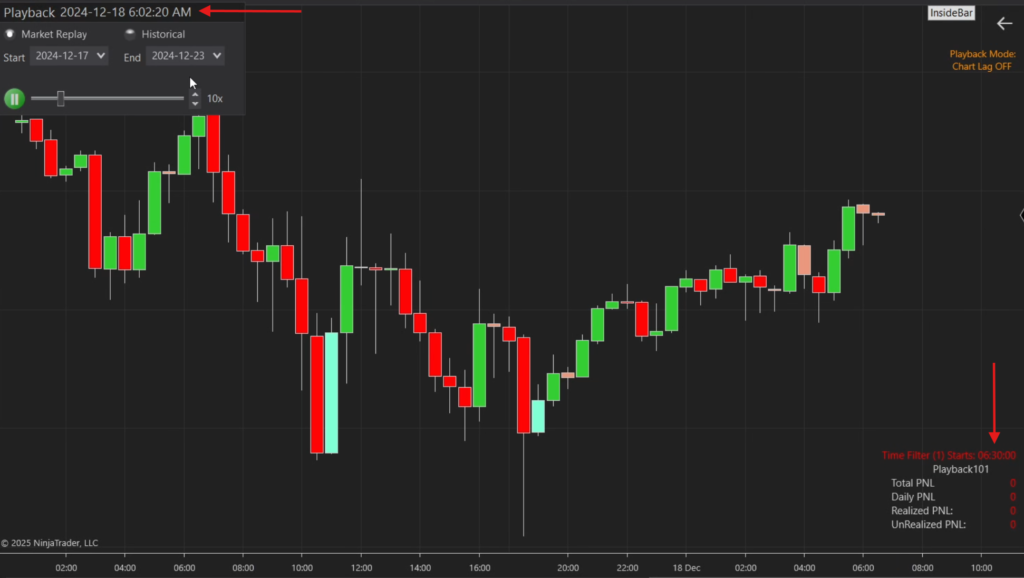
Only enters when that exact time is registered on your playback/real-time clock — making your time filters more accurate. Example: the playback clock shows 6:02am and your Time Within doesn't start until 6:30am, so no trades are active until the time label turns green at 6:30am. (Select Show Time Warning to see time labels.)