Super Trend Auto Trader
Super Trend Auto Trader
1
›
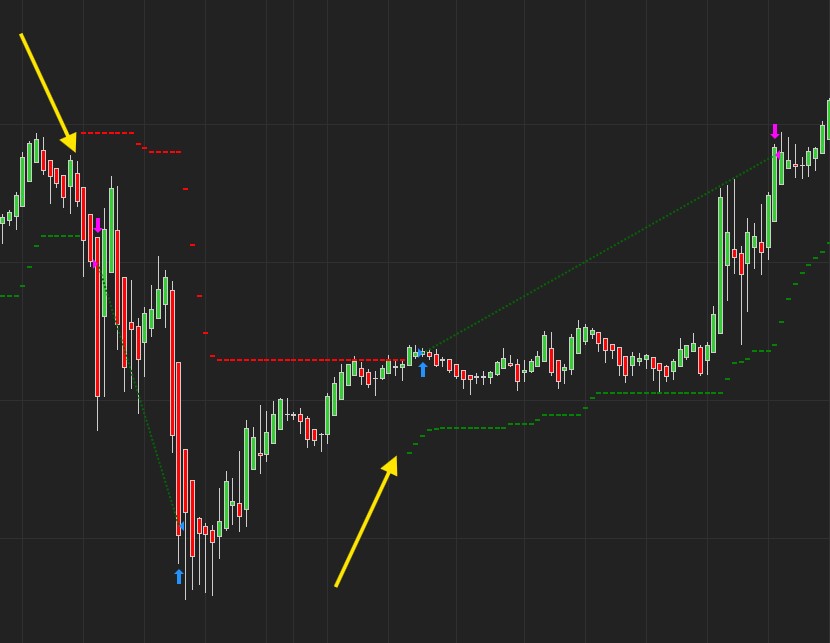
The Super Trend Cross Auto Trader lets you enter whenever the Super Trend changes direction —
- It will enter Long when the Super Trend changes Green and is below the current price.
- It will enter Short when the Super trend changes Red and is above the current price.
The Super Trend Auto Trader will work very similar on any chart.
📺 Super Trend Cross Auto Trader Setup:
Show ST Cross Button / Enter At SuperTrend Break
›
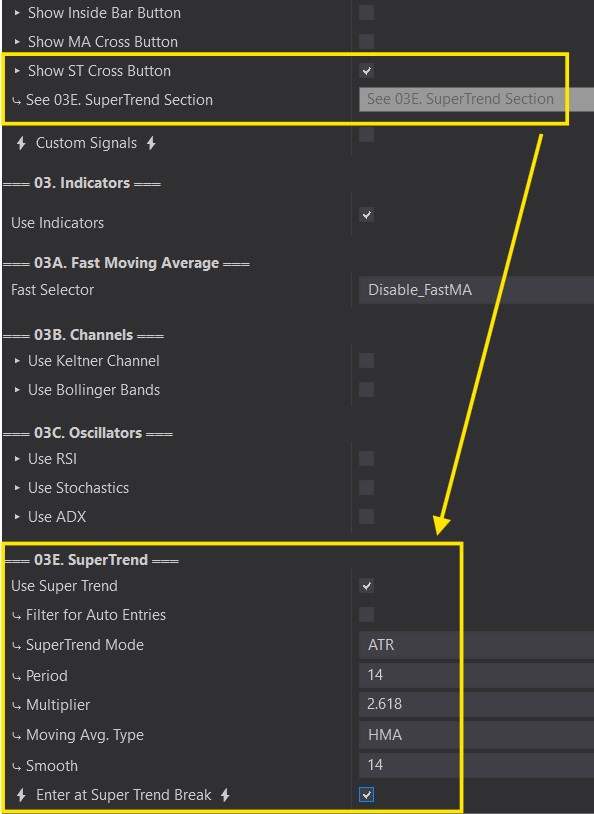
Show ST Cross Button:
- This will open the SuperTrend configuration under 03. Indicators. Customize your ST here.
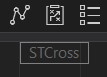
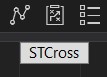
- You will see a ‘STCross’ box on the top right hand corner of your chart when the Predator is enabled.
⚡ Enter At Super Trend Break⚡:
- Found in the SuperTrend section. This option will activate the ST Cross Auto Entries. Orders will be placed when a ST is detected.
- White ‘STCross’ Box on your chart = ON. Will place trades when a ST Cross is detected.
- Transparent ‘STCross’ Box on your chart = OFF. Will not place trades when a ST Cross is detected.