
Find Strategy Templates
Where to find community templates and how to import templates and CS-file indicators.
The Predator X is an order entry and management tool meant to be configured by the user — it helps users build their own full or semi-automated strategies. We have community-submitted templates to help you get started, found on Discord (join here).
It's always recommended to build according to your own strategy — the best templates will always be your own! Provided templates are community-driven; we never claim anything is profitable. We're a group of traders sharing what we're working on.
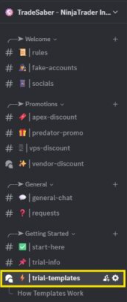
Found in the #Trial-Templates room on Discord — These are a good way to start learning the different settings the Predator offers.
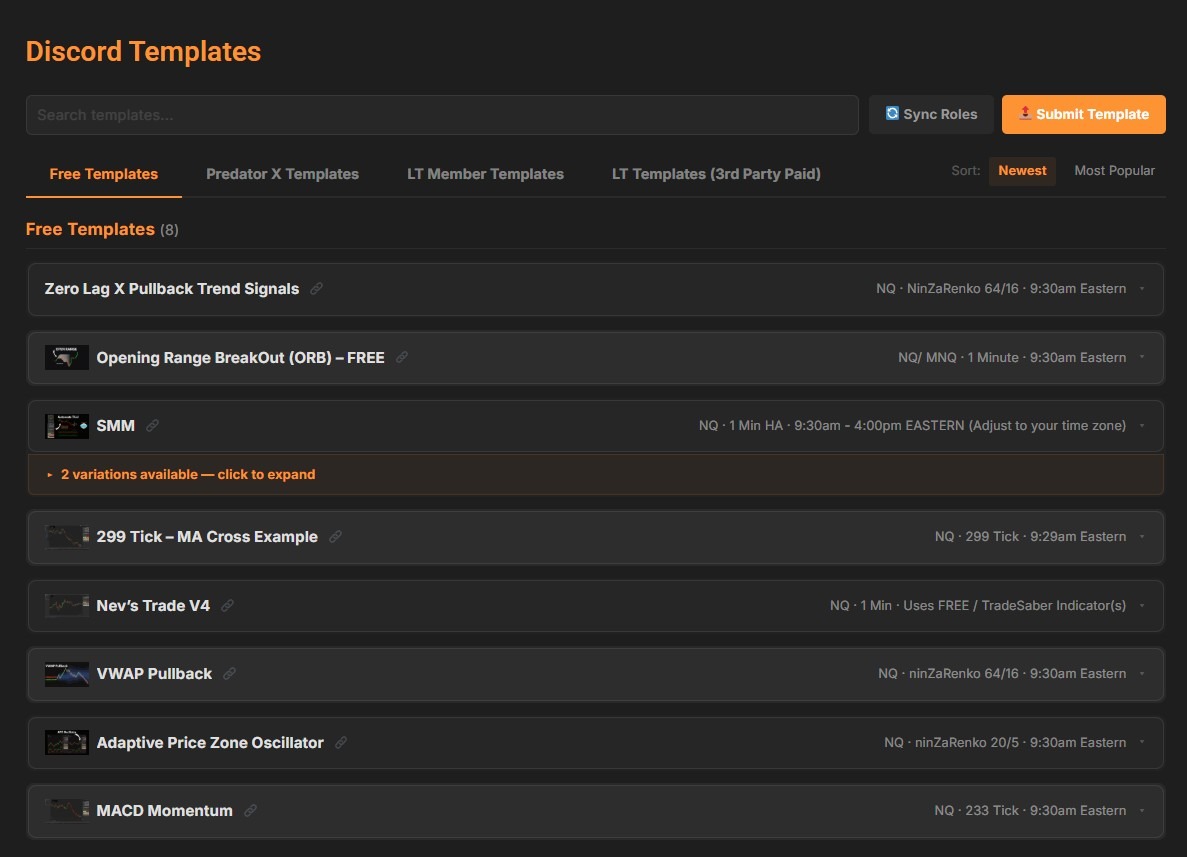
The Trial Templates can now also be found right on our website! Just head over to My Account -> PredXTemplates and you will find all the Free Templates. These include the same information and downloads as found in our Discord Room.
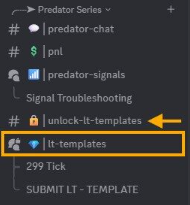
Found in the #LT-Templates room on Discord, where lifetime members share and discuss current templates.
- The LT room can be unlocked after your purchase of The Predator X. You can link your Discord account on our website -> My Account -> and you will see the prompt at the bottom to link your account. If you have any questions, send us an email anytime!
- Check pinned comments for variations; click the up-arrow in each room to reach the original post, which includes setup instructions and required components
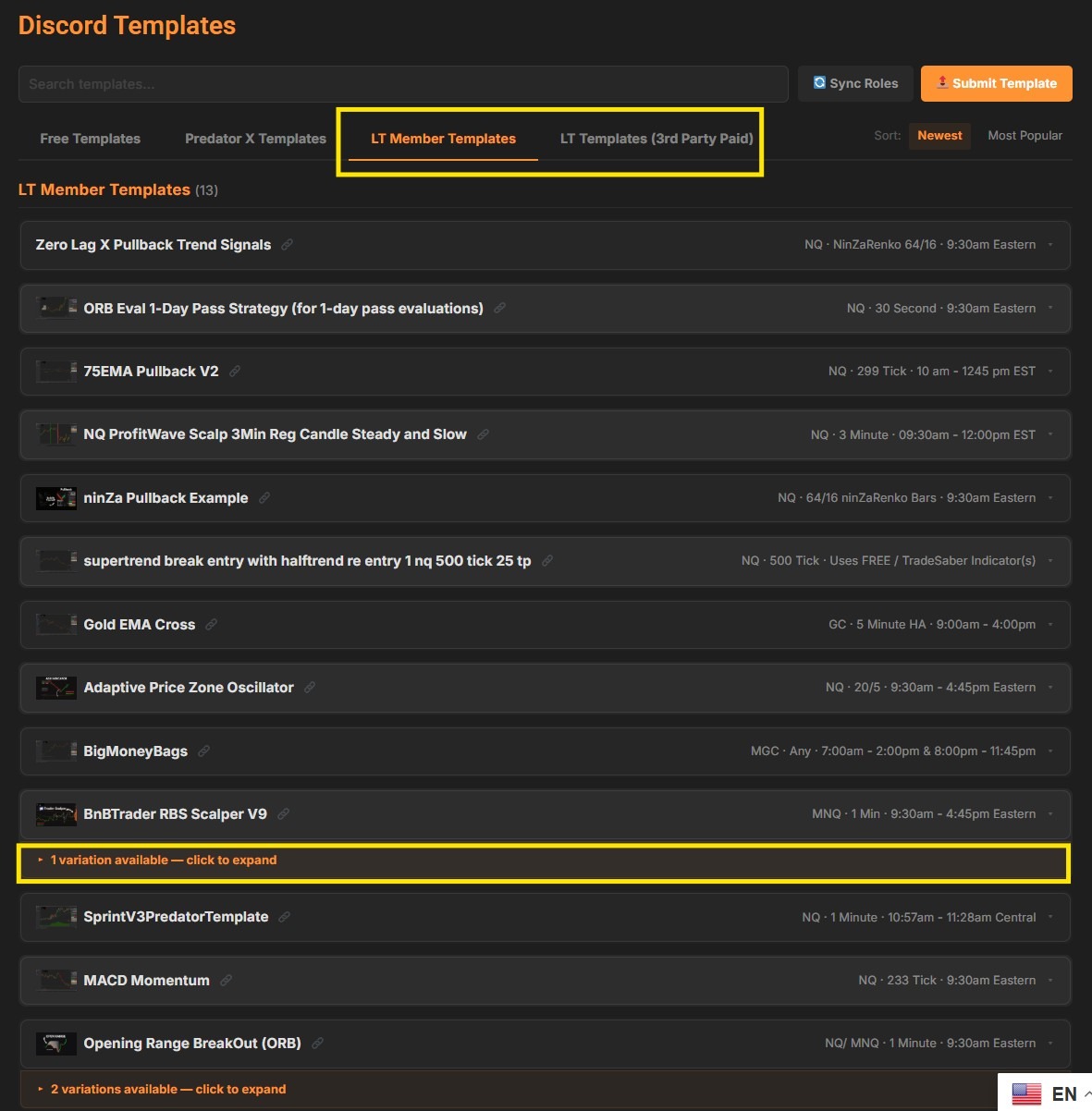
Just like the Trial Templates, all LT Member Templates can be found right on our website! Just head over to My Account -> PredXTemplates and you will find all the LT Templates. These include the same information and downloads as found in our Discord Room. You will also see the different variations of the templates right below the main template.
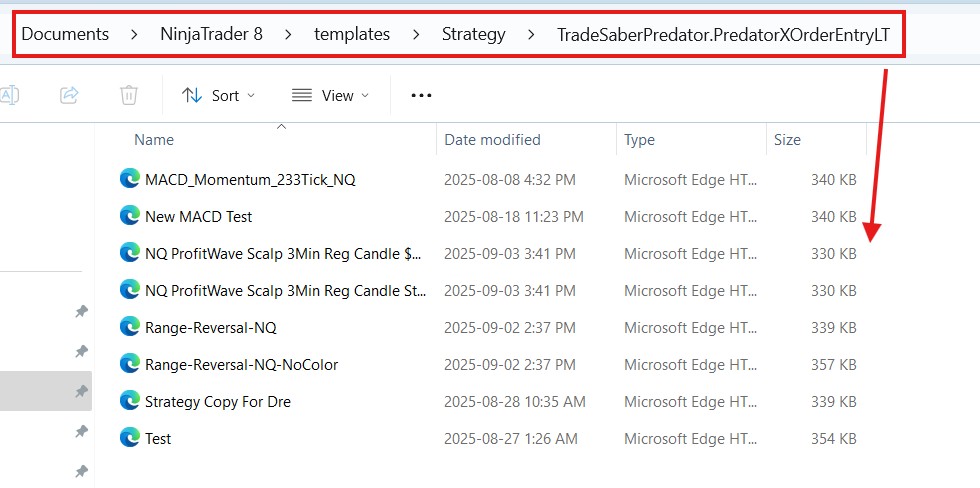
Strategy Templates come as an XML file and must go in the correct folder in order to work. Please save the XML file and drop it into the following folder: Documents ➜ NinjaTrader 8 ➜ templates ➜ Strategy ➜ TradeSaberPredator.PredatorXOrderEntryLT.
To load: in the Predator X properties, look at the lower-right corner, click Templates ➜ Load ➜ select your template.
If you don't see the TradeSaberPredator.PredatorXOrderEntryLT folder, it likely hasn't been created yet (common when brand new). To fix: in the Predator X properties, click Templates ➜ Save ➜ save any template with any name (do NOT save as Default). That creates the folder, and you can then import templates into it.
When downloading CS files that pair with templates, note which folder they belong in (indicators, strategies, chart/bar types, etc.). Open the CS file and check the namespace near the top to see where it goes. For an indicator: Documents ➜ NinjaTrader 8 ➜ bin ➜ custom ➜ indicators.
To load your Indicator on NinjaTrader: Control Panel → New → NinjaScript Editor → right-click → Compile. After the confirmation sound, right-click your chart → Indicators and the new indicator will appear.