
REV – Exit
← All User Guides
📺 Due to certain limitations with historical tests, many of the REV functions are limited to Real-Time trading (or Market Replay). Historical testing with these functions is not available at this time.
REV – Exit
6
›
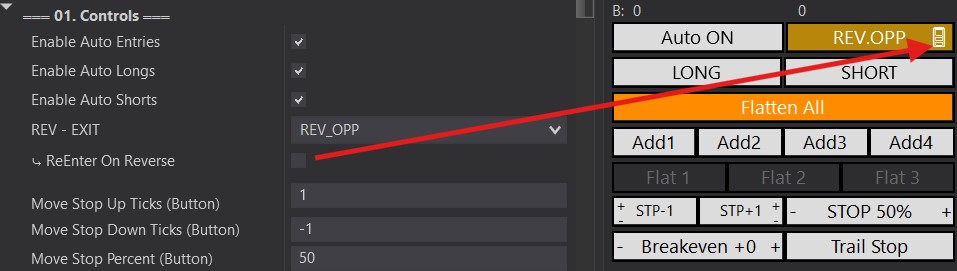
Further customize your NinjaTrader strategy with the Predator's REV button — used to set up a custom exit point for your strategy.
You'll see a symbol next to the REV button:
- 🚪 = Exit only when the REV button is activated.
- 🔄 = Exit and re-enter in the opposite direction.
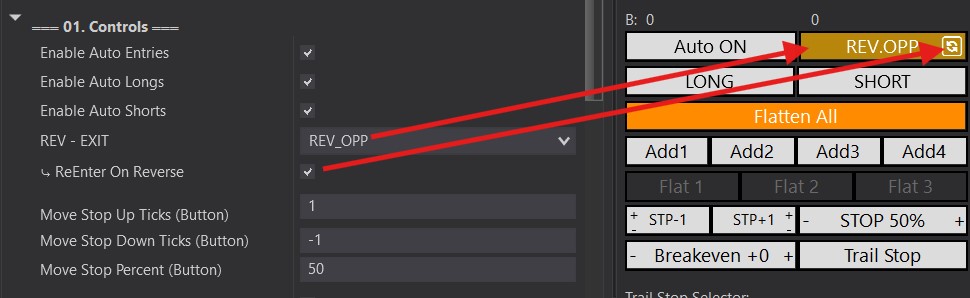
REV.OPP
📺 Video
›
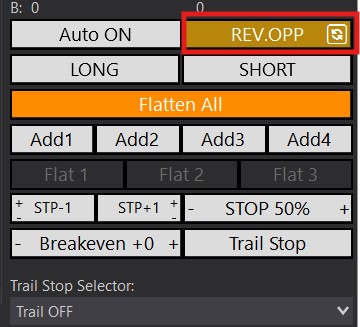
- Exits your trade when a VALID entry occurs in the opposite direction.
- Valid entries are defined by any Auto Entry selected within 02B. Auto Entries.
- Note: any filters also apply — all conditions in the opposite direction must be true while in a trade.
📺 Reverse Your Position
REV.REV
📺 Video
›
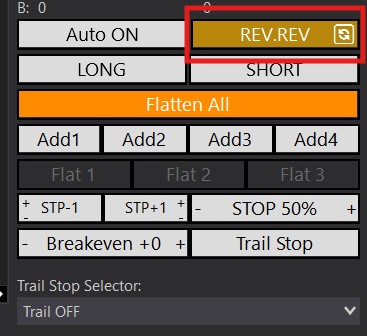
- Exits your trade when a REVERSAL candle CLOSES in the opposite direction.
- Note:Filters do NOT apply to this option.
REV-REV Examples:
- You are Long and a red candle closes.
- You are Short and a green candle closes.
📺 Reverse Your Position With REV-REV
REV.STOP
📺 Video
›
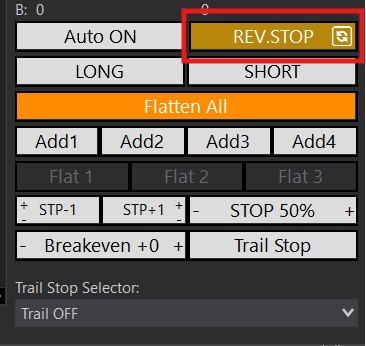
- Re-enters in the opposite direction if your STOP is hit.
- Only executes if the stop is hit — it will NOT re-enter on a manual exit or if the Profit Target is hit.
📺 Reverse Your Position When Stopped Out With REV-STOP
REV.TGT
›
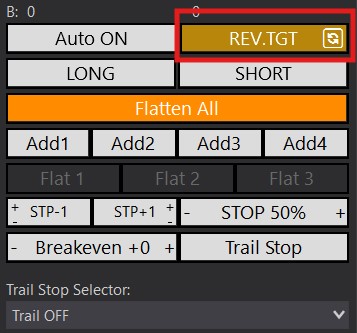
- Re-enters in the opposite direction if your PROFIT TARGET is hit.
- Only executes if the Profit Target is hit — it will NOT re-enter on a manual exit or if the Stop is hit.
REV.FLAT
›
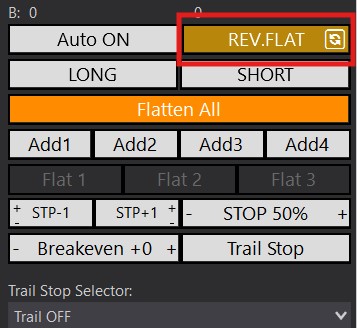
- Re-enters in the opposite direction once you are in a FLAT position (not in a trade).
- Activates any time you're flat — So, if your Stop or Profit Targets are hit. Or if you manually exit.
- Use it in combination with the Flatten All button to immediately exit and re-enter in the opposite direction.
REV.CSTM
📺 Video
›
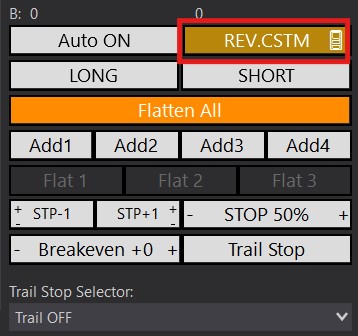
- Used to Exit with a custom-defined Auto Entry.
- REV.OPP requires the Auto Entry to be active.
- REV.CSTM however, does NOT require the selected Auto Entry to be active.
- Common example for use is Entering a trade with ONLY Engulfing Auto Entries. But using REV.CSTM to Exit on an MA Cross.
📺 REV.CSTM Predator X