Inside Bar Trader
Inside Bar Trader
5
›
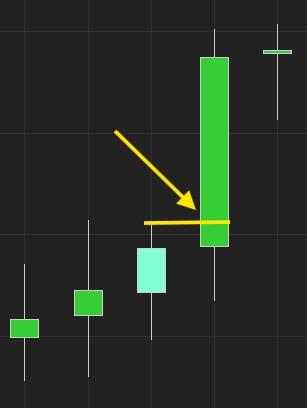
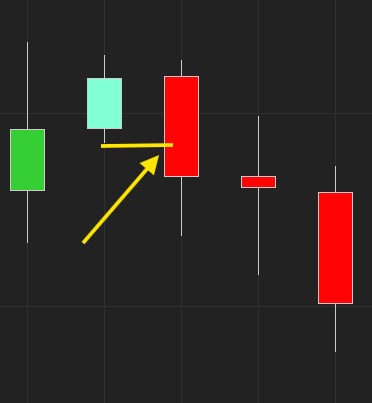
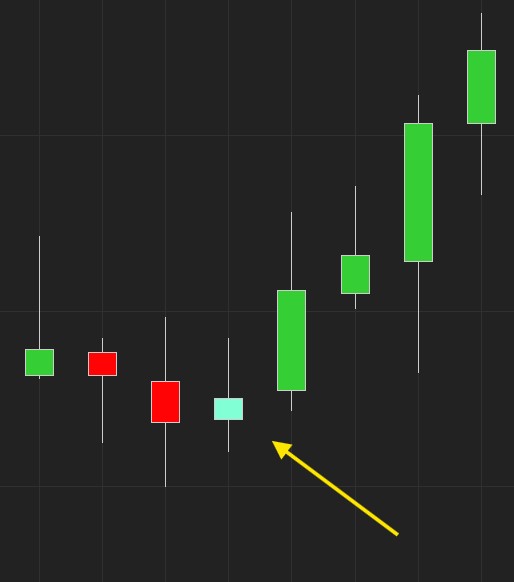
Inside Bars are used to find consolidation in the market. They are defined when the High and Low of the inside bar fall within the High and Low of the previous (mother) bar. They work best on regular time-based charts, as they will allow us to see when there is a period of time of indecision in the market. We then enter at the break of that Inside Bar.
📺 Inside Bar Trader
Show Inside Bar / Trade Inside Bar
›
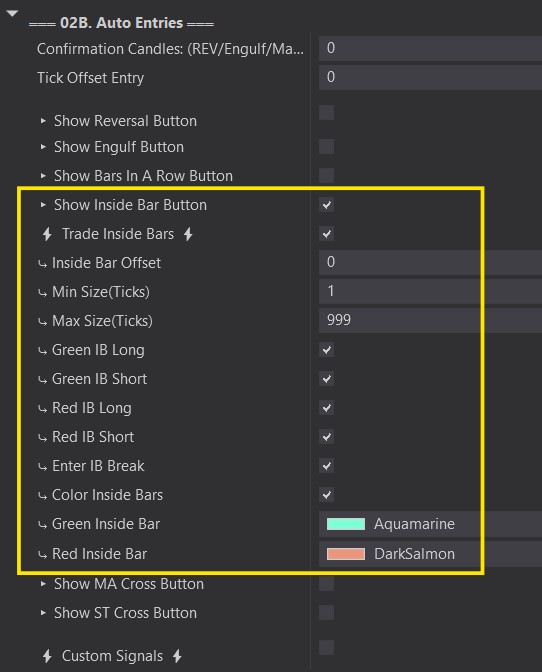
Show Inside Bar Button:
- Opens the Inside Bar Auto Entry options so that they can be configured.
- You'll see an 'InsideBar' box in the top-right corner of your chart when the Predator is enabled.
⚡ Trade Inside Bars⚡:
- Activates the Inside Bar Auto Entries. Orders will be placed when they are detected.
- White 'InsideBar' box on your chart = ON. Will place trades when Insdie Bars are detected.
- Transparent 'InsideBar' box on your chart = OFF. Will not place trades when the Inside Bars are detected.
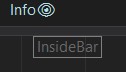
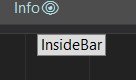
Inside Bar Offset
›
- This is used to customize your definition of an Inside Bar. By default your inside bars High must be equal or less than the High of the previous candle and the Low must be greater or equal to the Low of the previous candle.
- If you want to give your inside bar a few extra ticks to go outside the High and low of the previous candle, then give it a POSITIVE offset.
- If you want to ighten the criteria to give your inside bar less room to the High/Low of the previous candle, then give it a NEGATIVE offset.
Min / Max Size (Ticks)
›
- This is used to define how big your inside bar can be.
- Huge inside bars may not be worth the RR. Too far of a distance to consider.
- Too small of an inside bar may not give you enough room for a pullback.
- Customize it to your liking.
Green / Red IB Long / Short
›
- These options are used to customize if you only want Inside Bars that close Green / Red to enter in a certain direction.
- Most traders will keep all options selected as the inside bar mainly just signifies consolidation. However, feel free to choose the directions that you want.
Enter IB Break
›
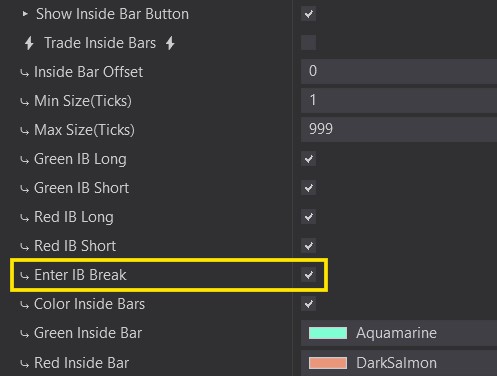
- This function is used to enter only when the current price breaks above / below the Inside bar.
- It enters Long if the price breaks above.
- It enters Short if the price breaks below.
Hint: if both Long and Short are valid, it enters whichever side breaks first.