
Engulf Auto Trader
Engulf Auto Trader
5
›

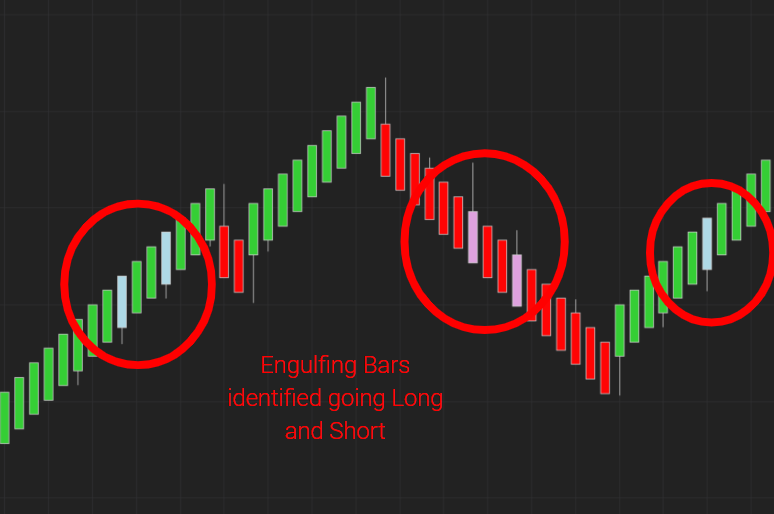
The Engulfing auto entry was originally designed to work with NinZaRenko bars, but works similarly on any Uni-Renko style chart.
📺 ninZaRenko Engulfing Trader With Predator X Order Entry
Show Engulf Button / Trade Engulfing Bars
›
Show Engulf Button:
- This will open the Engulf Auto Entry options so that they can be configured.
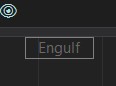
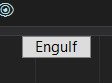
- You will see an ‘Engulf’ box on the top right hand corner of your chart when the Predator is enabled.
⚡ Trade Engulfing Bars ⚡:
- This option will activate the Engulfing Auto Entries. Orders will be places when they are detected.
- White Engulf Box on your chart = ON. Will place trades when an Engulfing pattern is detected.
- Transparent Engulf Box on your chart = OFF. Will not place trades when an Engulfing pattern is detected.
Engulfing Offset
›
Engulfing Bar Tick Offset:
- This function is used to customize how much of a pullback is required before a bar is considered an Engulfing candle.
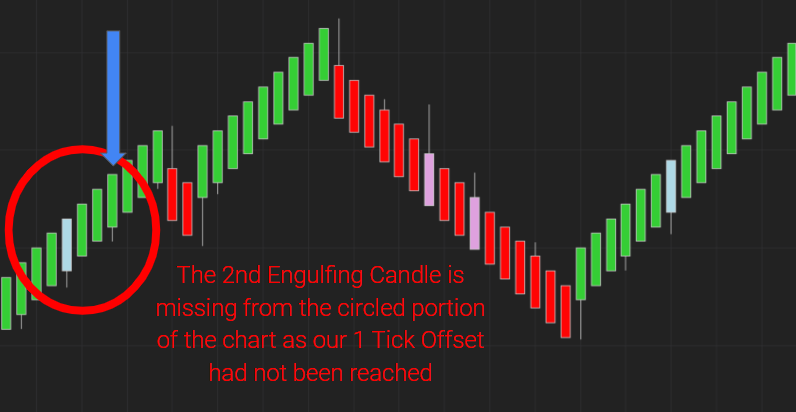
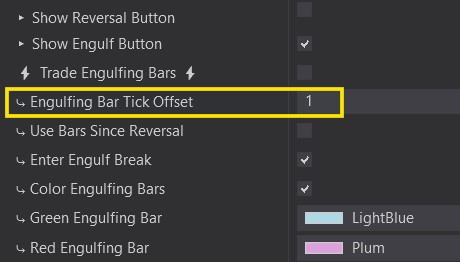
Bullish Engulfing Offset
- Offset 0 → The Low of the engulfing must have reached the Low of the previous candle.
- Offset 1 → The Low of the engulfing must be 1 tick BELOW the Low of the previous candle.
Bearish Engulfing Offset
- Offset 0 → The High of the engulfing must have reached the High of the previous candle.
- Offset 1 → The High of the engulfing must be 1 tick ABOVE the High of the previous candle.
Bars Since Reversal
›
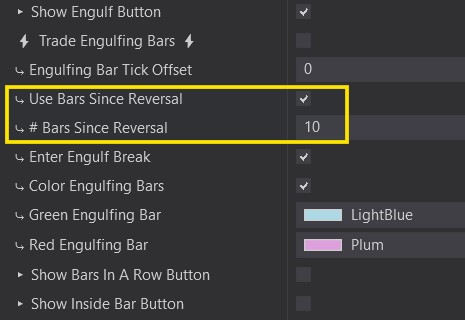
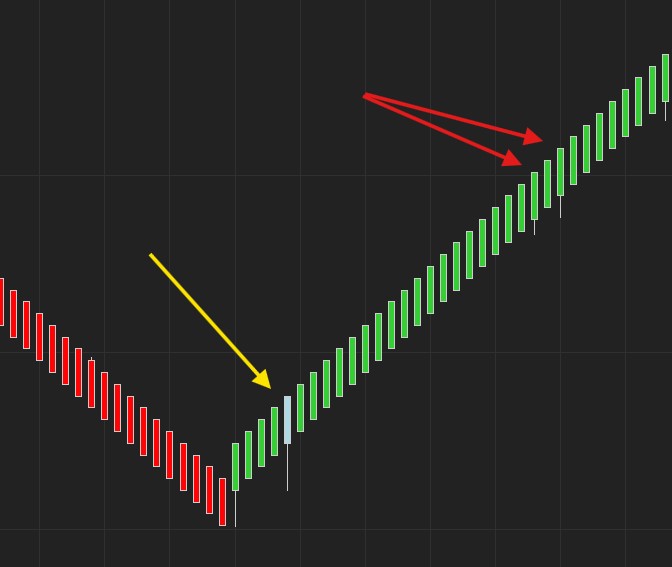
- This functions helps us define how many bars since the last reversal our Engulfing candle can be valid.
- Use this if you only want to trade Engulfing candles that happen shortly after a Reversal.
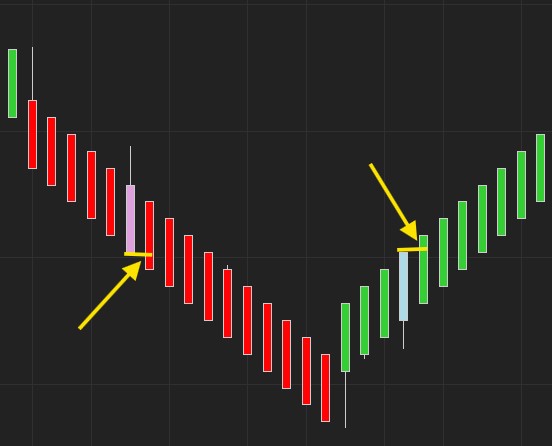
- In the example below with a value of 10. Only the colored engulf is valid because it happened within ’10’ candles since the Reversal.
Enter Engulf Break
›
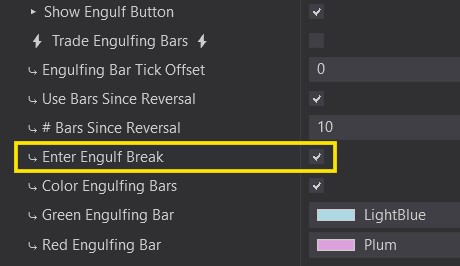
- This functions is used to define where we want to enter a trade once an Engulfing candle is formed.
- With it enabled. The price must go above a bullish engulf in order to enter Long or below a bearish engulf in order to enter Short.
- Disabled means that it will enter immediately when the engulfing bar closes and a new bar opens.
Color Engulfing Bars
›
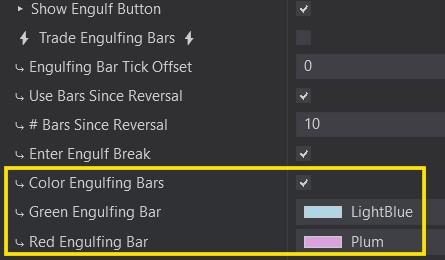
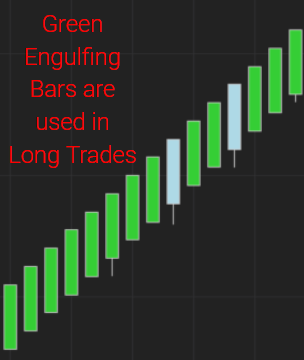
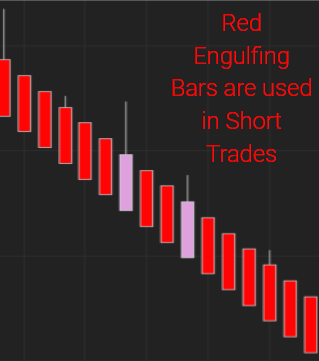
- This is used to color your Bullish and Bearish Engulfing Bars.
- They will get colored in real time so that you can be aware of when one is about to happen.
Hint: Delay your entry AFTER the Engulfing candle by adding Confirmation candles.