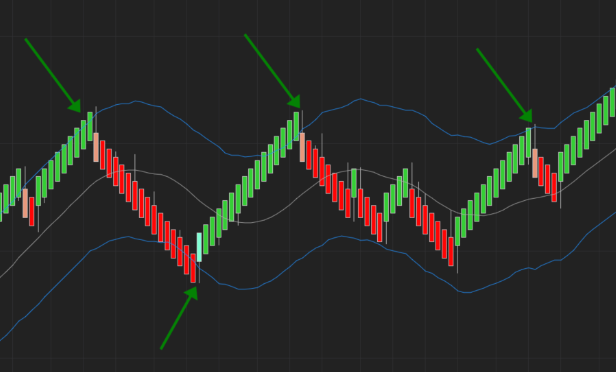
Channels – Keltner / Bollinger
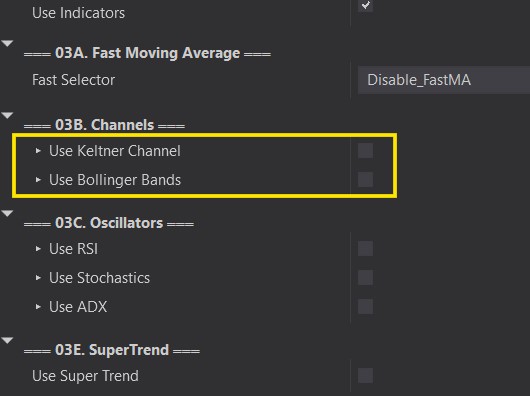
Channels – Keltner / Bollinger
3
›
This section we will go over how we can use Channel indicators to filters out our Auto Entries. We will only show Keltner for examples below. However, both, Keltner Channel and Bollinger Bands will work in a very similat manner.
You can combine as many or as few methods as you want. Just be careful of over filtering. It is always recommended to start with one at a time to understand how it works. Add more filters as you see fit.
Note that there seems to be an issue with some strategies on NinjaTrader that cause indicators added with AddChartIndicator() to disappear. It does NOT affect functionality, it will keep filtering your trades as intended.
Long Above Upper / Short Below Lower
›
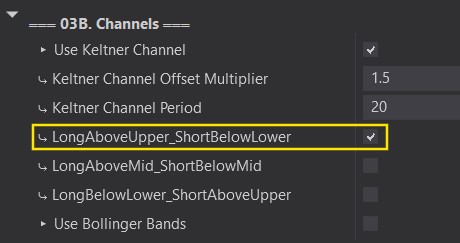
Long Entry:
- Only enters Long if the HIGH of the Bullish signal candle (reversal) is ABOVE the Upper Channel.
Short Entry:
- Enters Short if the LOW of the bearish signal candle(Reversal) is BELOW the lower channel.
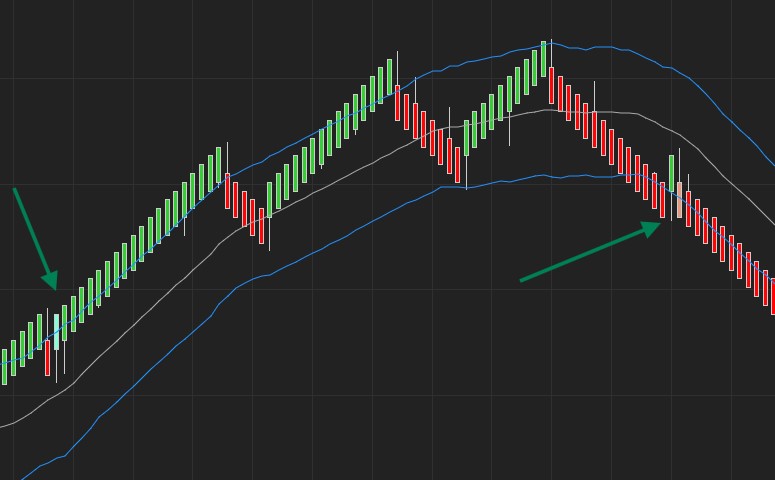
Long Above Mid / Short Below Mid
›
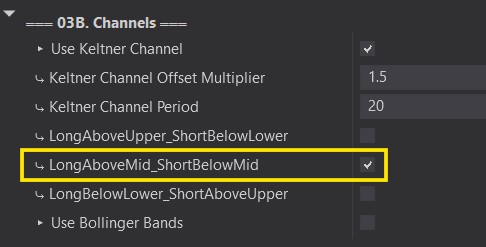
Long Entry:
- Only enter LONG if the HIGH of the Bullish signal candle(reversal) is ABOVE the Middle Channel.
Short Entry:
- Enter Short if the LOW of the Bearish signal candle(reversal) is BELOW the Middle Channel.
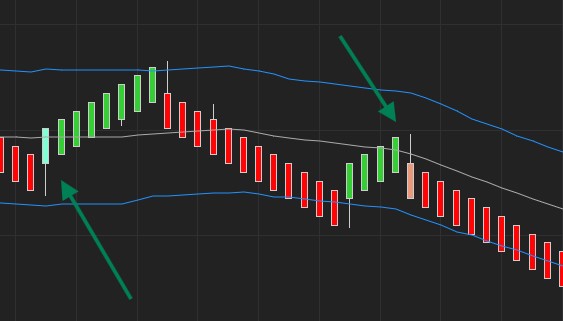
Long Below Lower / Short Above Upper
›
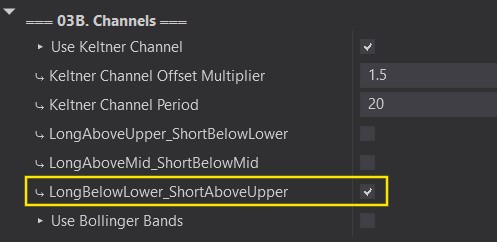
Long Entry:
- Only enter LONG if the LOW of the Bullish signal candle(reversal) is BELOW the Lower Channel.
Short Entry:
- Enter Short if the HIGH of the Bearish signal candle(reversal) is ABOVE the Upper Channel.