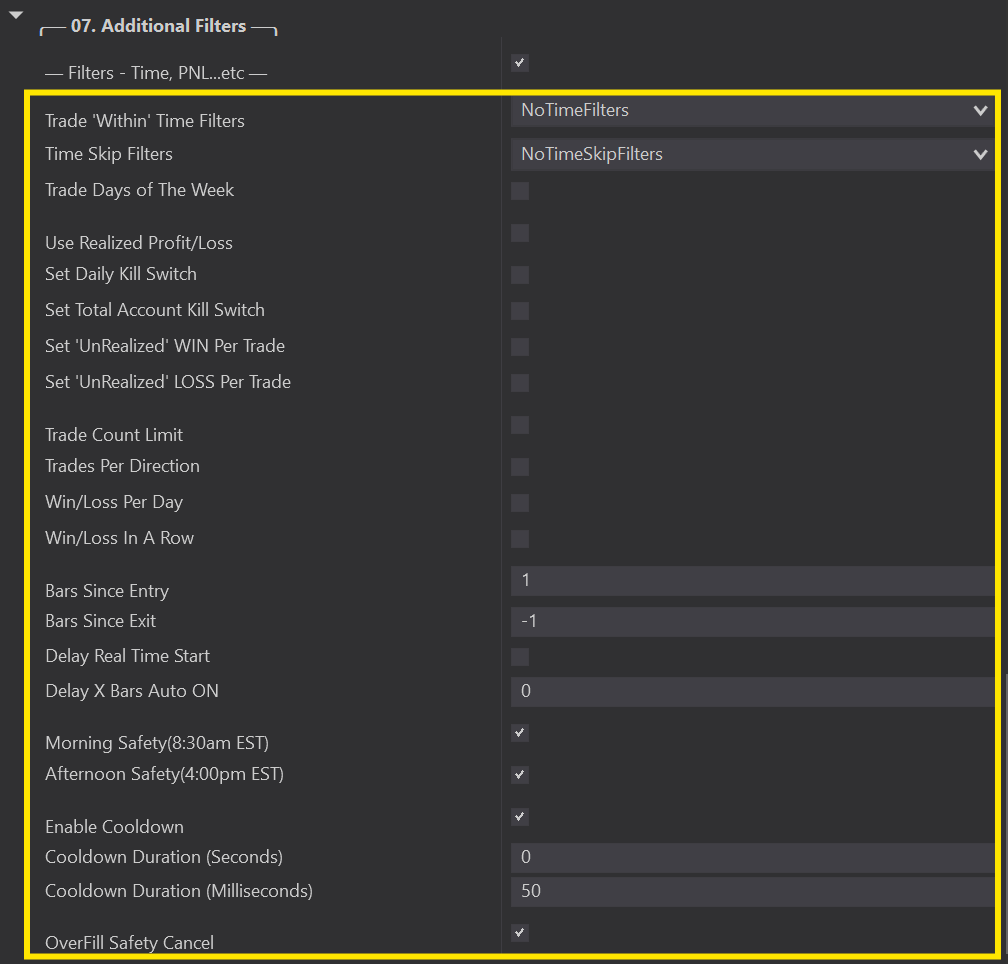
As we keep working our way through the Predator’s Parameters, we arrive at 07 Additional Filters.These filters are all hidden by default, to see all of your options simply checkmark the box next to Show Additional Filters.
This will now expand all the Non-Indicator Filters available with the Predator. Each one is discussed in full in their own article.
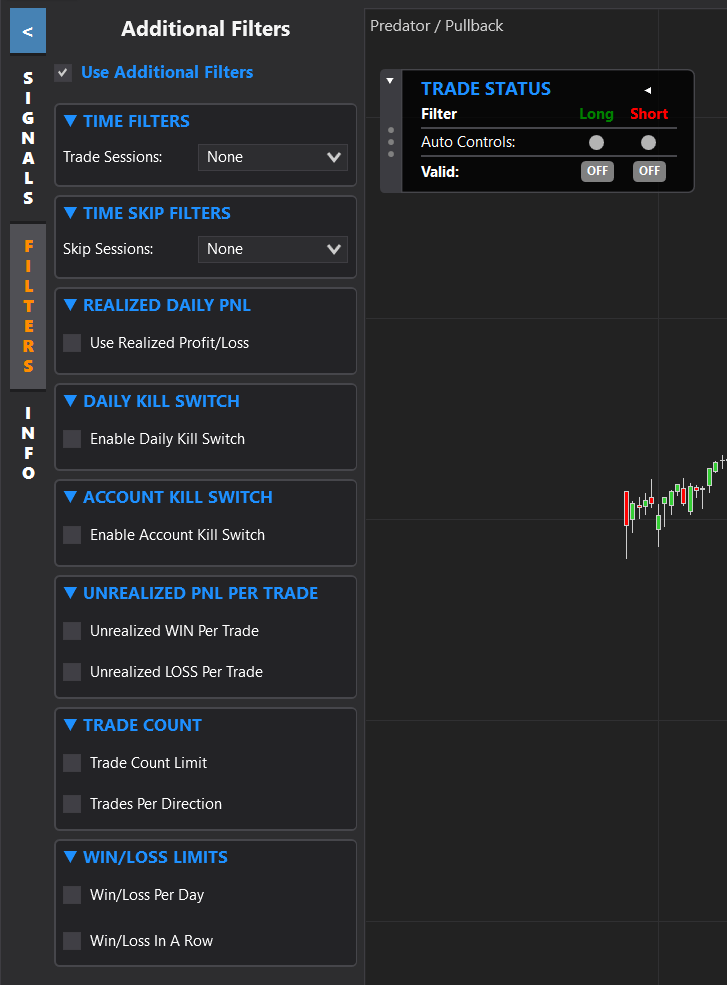
For Predator Version 3.6.0.0 and onwards, we have added a new Side Panel that allows users to access the Additional Filters without having to open the Predator Properties. Below shows all Aditional Filter Options currently available in the Side Panel.