
How To Update To The Latest Version
You're always welcome to the latest versions, whether you recently started the trial or you've trialed in the past but want to trial a newer build.
Never drop a file into your NinjaTrader documents folder — this causes problems. Always import properly using the steps below.
The LT version of the Predator can be found by logging in → My Account → License + Downloads.
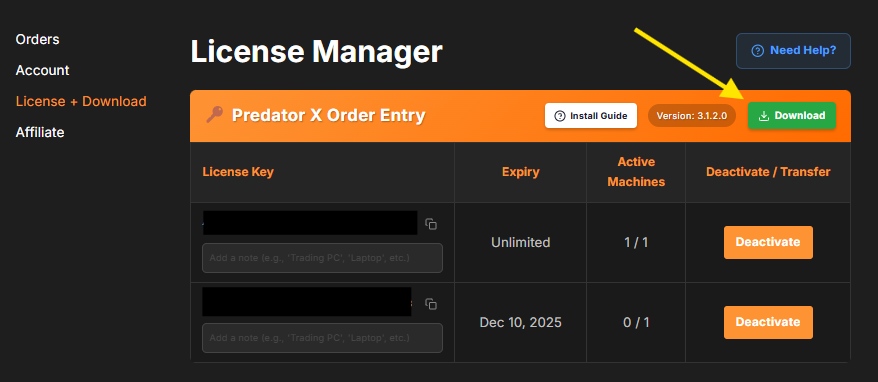
If you have a previous version installed, it must be removed first: Control Panel → Tools → Remove NinjaScript Assembly → remove any previous version of PredatorXOrderEntryLT and PredatorIndicators before importing the new one.
Leave Elite Licenser installed.
Once removed, import the new version by heading to your Control Panel → Tools → Import → NinjaScript Add-On → select the entire ZIP folder for the latest version → select No to the Elite Licenser prompt → RESTART NinjaTrader after importing!
Do Not Skip The Restart!