Cooldown Timer
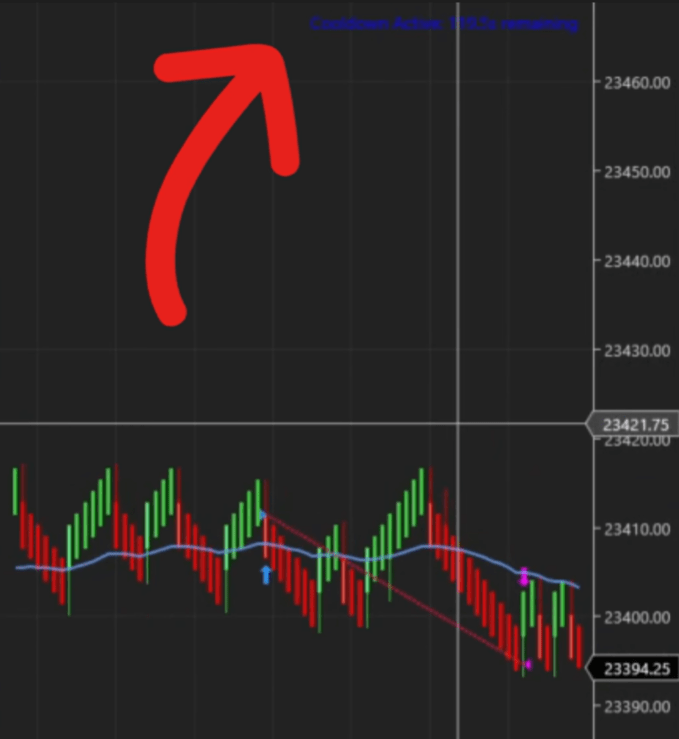
Do you need to cool down after a trade to avoid re-entering too quickly in choppy conditions? The Predator X gives you two ways to control exactly how long it waits before looking for the next entry.
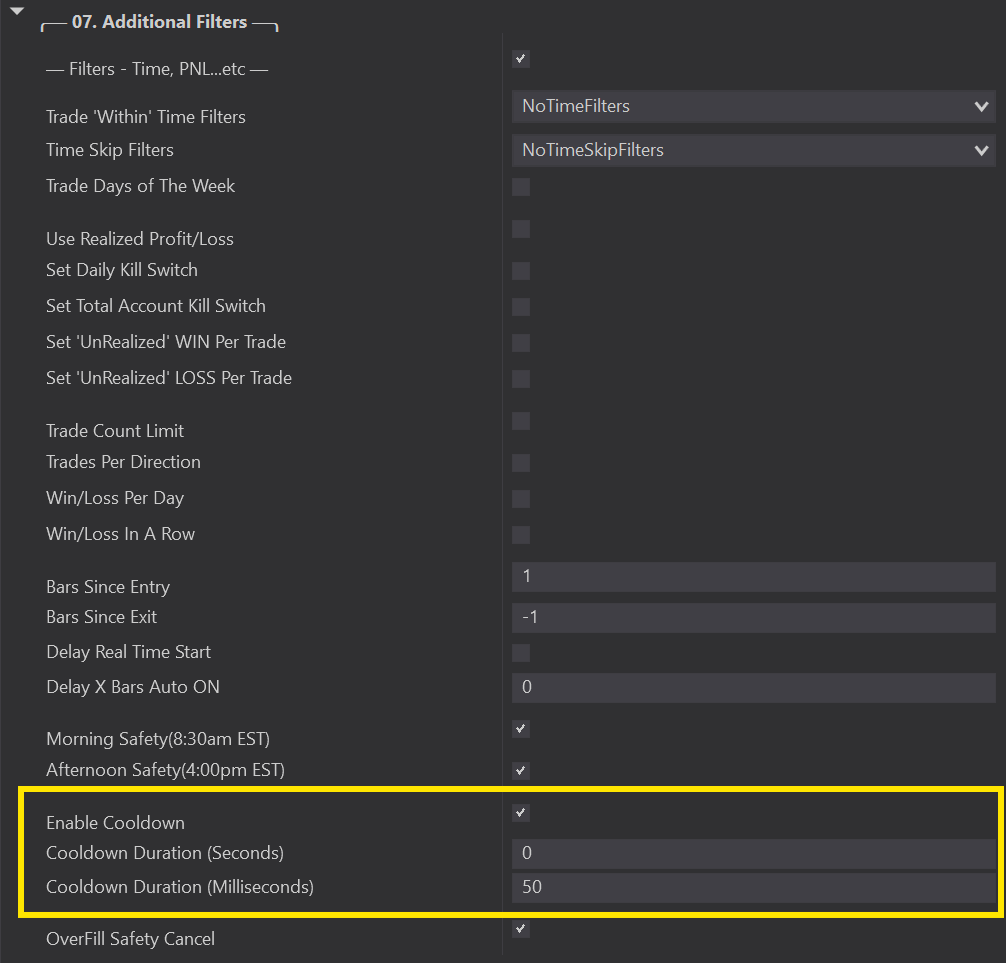
By default, the Predator X includes a 50 millisecond cool down to give orders time to process.
⤷ Increase this number to prevent new trades from being taken for a set period of time after exiting.
⤷ Useful for avoiding back-to-back entries in fast or choppy market conditions.
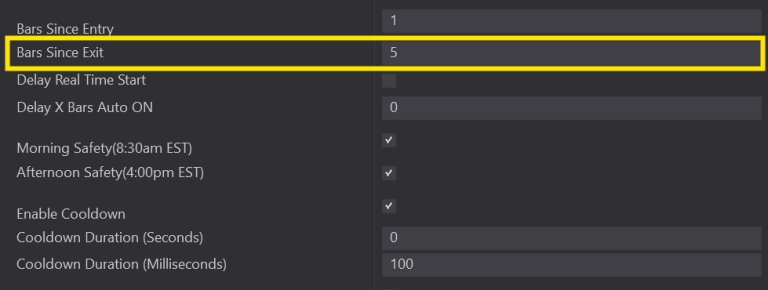
If you prefer a cool down based on bar count rather than time, head down to the Bars Since Exit setting.
⤷ Increase this number to whatever fits your needs.
⤷ After exiting a trade, the Predator will require this many bars to pass before it can enter again.
Both conditions work together to protect your entries:
After exiting a trade, either the Bars Since Exit must pass or the Cool Down timer must finish before a new trade can be taken.
⤷ Use one or both to dial in the right pacing for your trading style and market conditions.
*NOTE* Increasing your cool down too aggressively may cause you to miss valid setups. Test your settings in Market Replay to find the right balance for your strategy.